WORK 01
Monthly Learning Technologies Newsletter
Each month, I email the faculty at TJC about a topic related to learning technologies. Some topics I’ve covered are accessibility, course design best practices, instructor presence, and the one described below: Multimedia Learning.
WORK 02
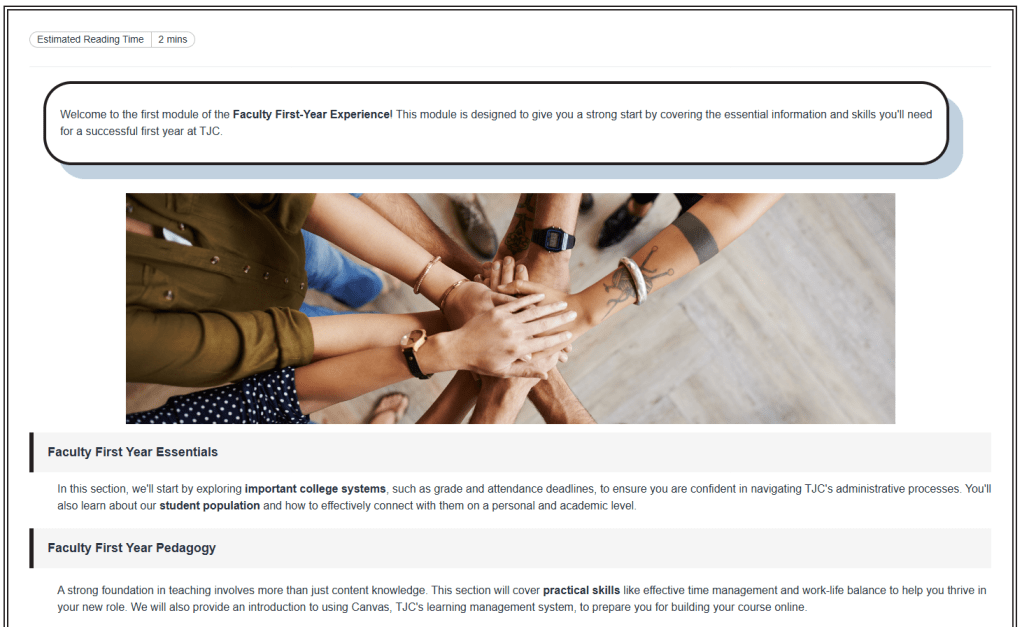
Faculty First-Year Experience Canvas Resource Shell
Each Fall, we welcome a new group of faculty to Tyler Junior College. We meet once a month to talk about best practices in teaching in higher education and other topics that benefit faculty. This year, I designed a Canvas Resource Shell to complement the Faculty First-Year Experience.
WORK 03
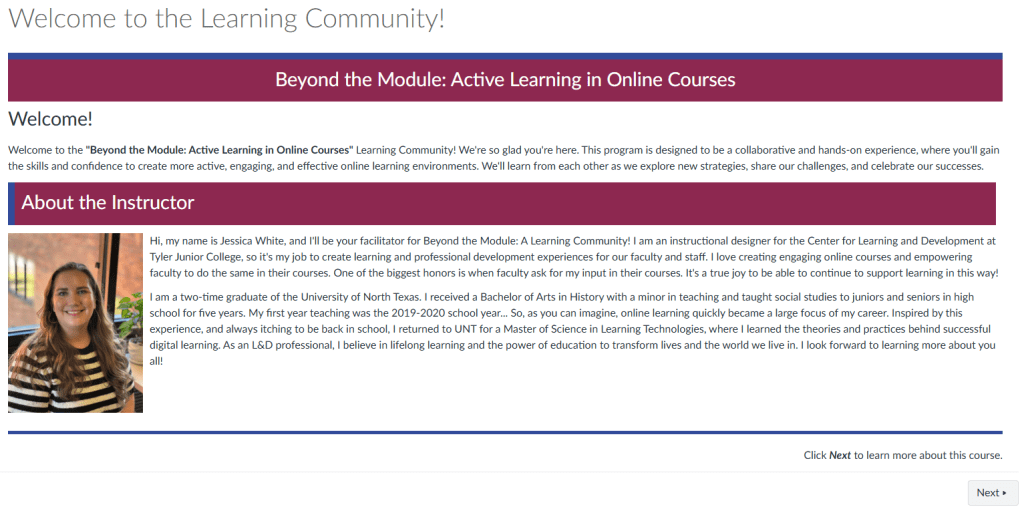
Beyond the Module: Active Learning in Online Courses
I am honored that NISOD selected me to host a nationwide virtual learning community all about active learning in online courses. We meet once a month to talk about important practices that contribute to active learning online. I developed a resource shell to support this community as well.
WORK 04
Digital Teacher Onboarding
Click the link above to visit the onboarding homepage.
Lewisville School of Science and Technology, needed a consistent means of onboarding teachers. I built this onboarding to provide a structure for delivering training, a repository for helpful links, and meaningful onboarding experience for both new and returning teachers.
WORK 04
Digital Teacher Onboarding Design Document
Click the link above to view the full document.
This critical document was key to the development of the onboarding. From analysis, a TAP statement was written, a learning theory chosen, goals and objectives were written, and more.

WORK 05
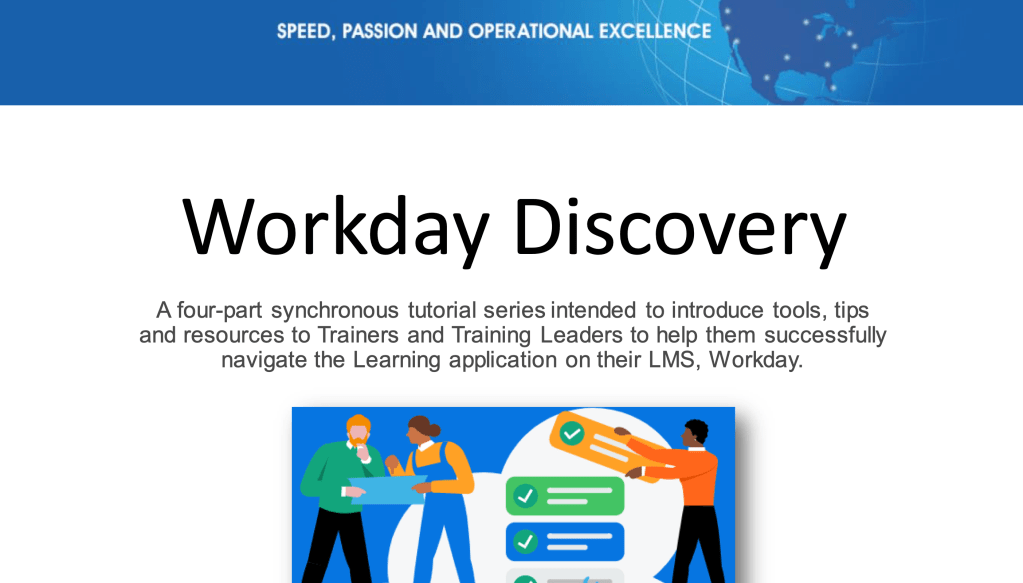
Workday Discovery
This project was completed by myself and three other instructional designers. The project’s goal was to improve learners’ ability to use the Workday Learning Management System (LMS) and associated resources. The audience was learning trainers, event managers, POCs and other training leaders who regularly use Workday to schedule offerings, take attendance and/or pull reports.
WORK 05
Workday Discovery Slides
Click the link above to view the slide presentation.
This training was delivered digitally through a Zoom session and recorded for the company’s employees to refer to. Check out the first slide for the training here.
WORK 06
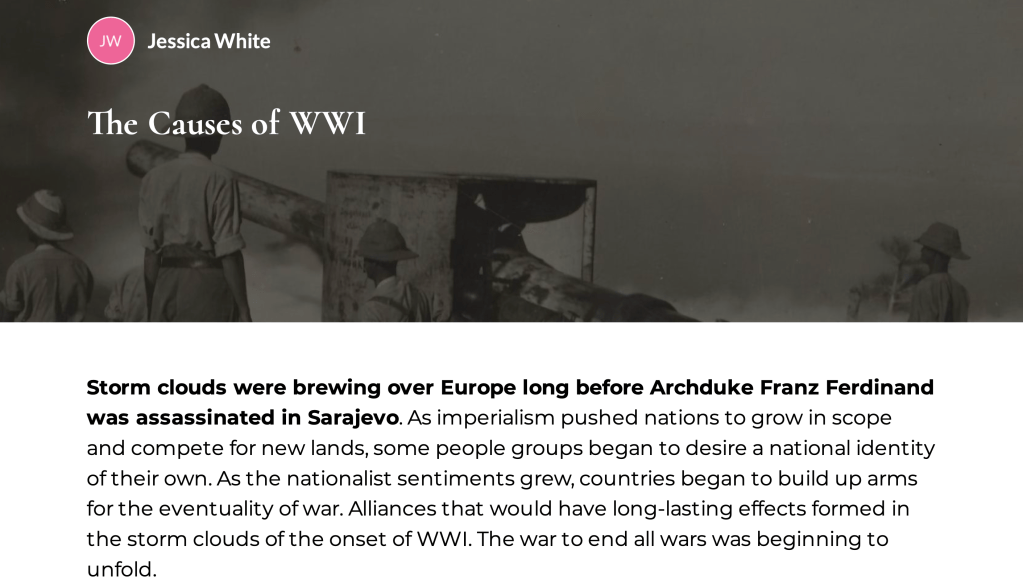
Rise 360 Course: The Causes of WWI
Click the link above to view a PDF of the course.
This project was inspired by the desire to work with professional instructional design tools. Rise 360, and the whole Articulate 360 suite of tools, are user-friendly with countless options for designing learner-centered and engaging learning. Because of my background and love for history, I chose a topic I enjoy learning and teaching about.
WORK 07
Google Extensions for Teachers
Click the link above to see the full slide presentation.
This training was delivered digitally through a Zoom session and recorded for the company’s employees to refer to. Check out the first slide from the presentation for the training here.
 Jessica White's Learning Technology Blog & Portfolio